TransformJ: Turn
General Description
This plugin turns an image multiples of 90 degrees around the z-, y-, and x-axis. The advantage of using this plugin rather than the more generally applicable Rotate plugin is that it does not involve interpolation of image values but merely a reordering of the image elements. As a result, this plugin generally requires much less computation time and does not affect image quality.
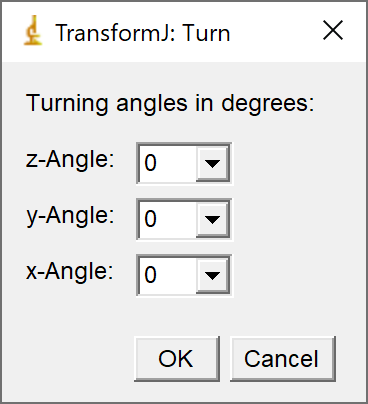
Dialog Description
z-Angle
The turning angle around the z-axis (specified in degrees).
y-Angle
The turning angle around the y-axis (specified in degrees).
x-Angle
The turning angle around the x-axis (specified in degrees).
Turning around the different axes is carried out in that order.
The turning operation is applied to every frame in every channel of a 5D image.
A right-handed coordinate system is assumed for turning, where the origin is taken in the center of the image or volume, and the x-axis is taken horizontally on the screen (with increasing x-coordinate when moving from left to right), the y-axis is taken vertically on the screen (with increasing y-coordinate when moving from top to bottom), and the z-axis is taken perpendicular to the screen (with increasing z-coordinate when moving away from the observer, that is "into the screen").

Turning +90 degrees around the z-axis implies that the positive x-axis is mapped onto the positive y-axis. Turning +90 degrees around the y-axis maps the positive z-axis onto the positive x-axis. And turning +90 degrees around the x-axis maps the positive y-axis onto the positive z-axis.
